Bitrix24 Time Tracking and Reporting: Know Where Your Time Goes

Track hours, measure team performance, and make informed decisions with Bitrix24 time tracking and reporting. Sarasuk Tech configures the system to align with your business processes, so you get accurate data from day one. WhatsApp | Talk to a CRM Expert

Time Tracking That Gives You Real Numbers

You use resources effectively only when you are aware of the time required to perform certain tasks. Bitrix24 time tracking lets your team record time on tasks, projects, and deals. Every minute recorded connects to a specific work item. Nothing gets lost in vague estimates. 

You know who is working on what, how long they have worked, and whether they are running behind deadlines. Managers can see a clear picture without requesting manual updates. Team members remain responsible without feeling controlled.

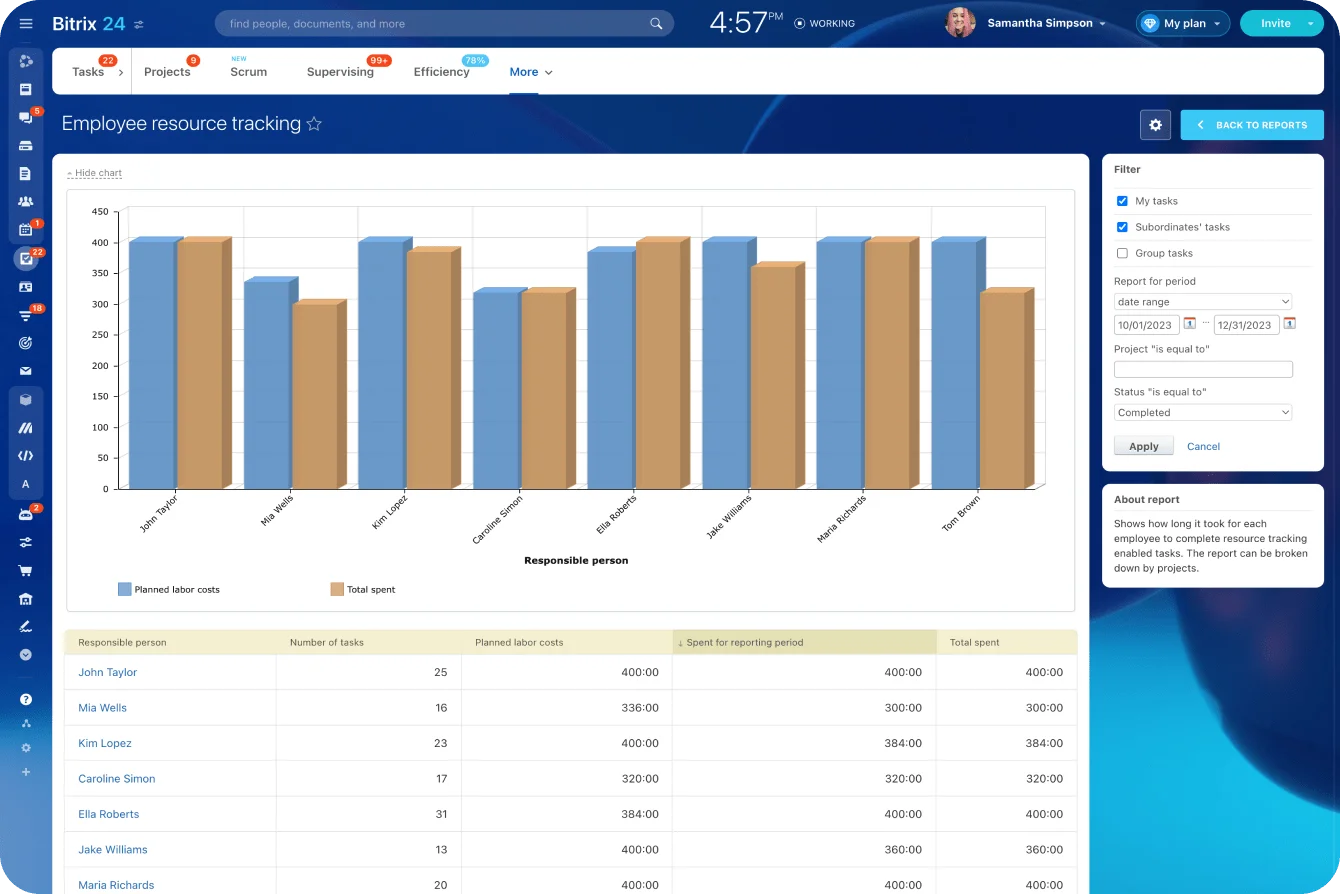
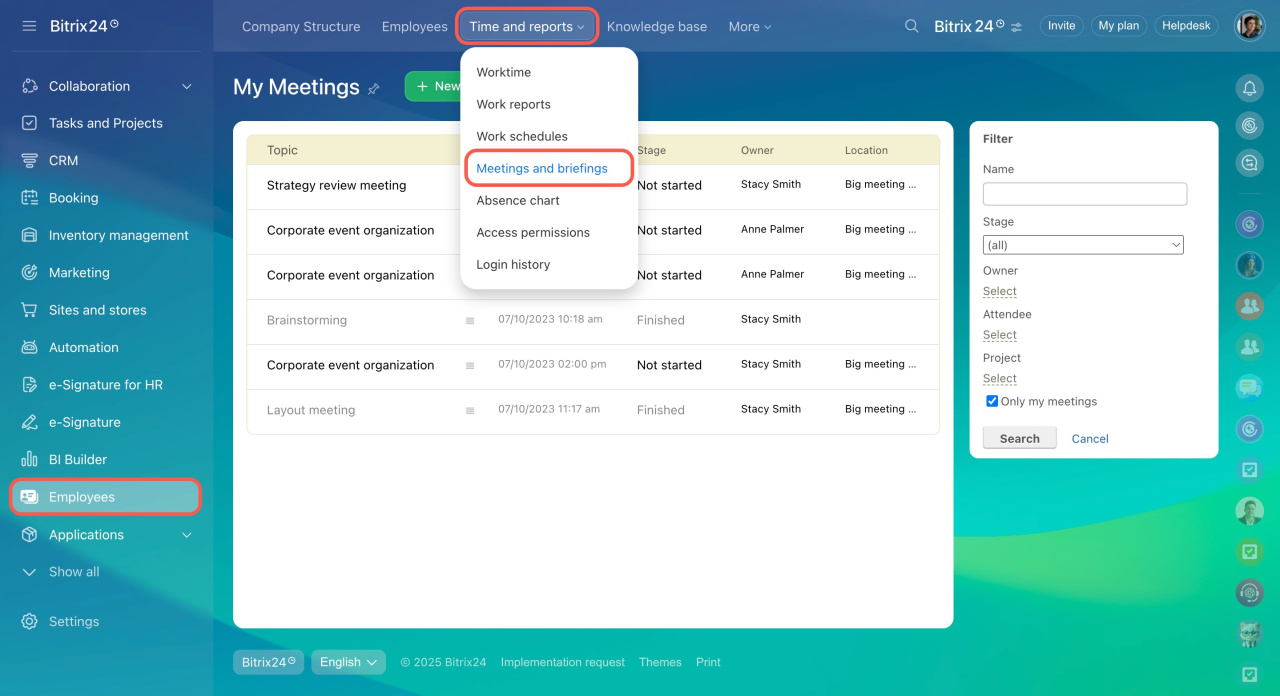
Reports pull all this data together. You may filter by employee, project, department, or date range. This informs you of the projects that are taking the longest time and where the capacity of your team is being utilized. Your staffing and project planning decisions are made on facts and not on guesses.

Sarasuk Tech sets up your Bitrix24 time tracking to fit your existing workflow. You end up with a system that your team will use, reporting that provides you with the insight you require.

Benefits:

  • Accurate time logs linked to tasks and projects
  • Real-time visibility into team workload
  • Detailed reports by employee, project, or department
  • Better resource planning and budget control
  • Faster identification of inefficiencies

Flexible task management for every team

Time Logging on Tasks

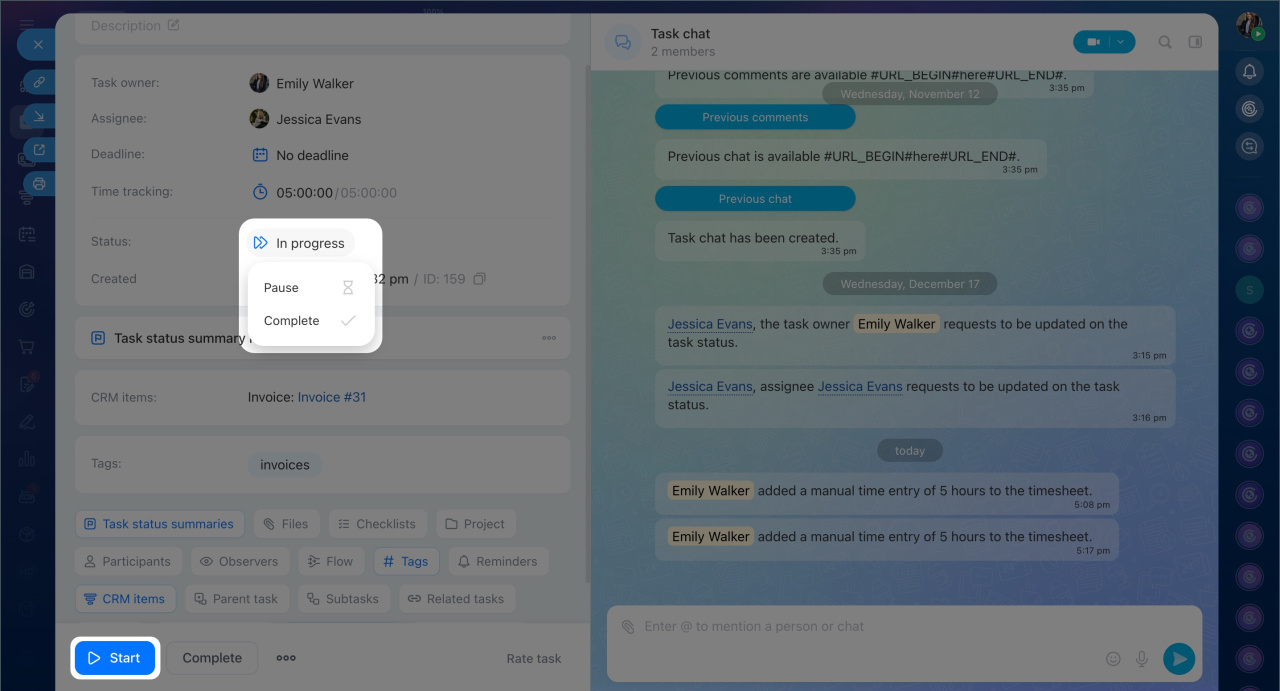
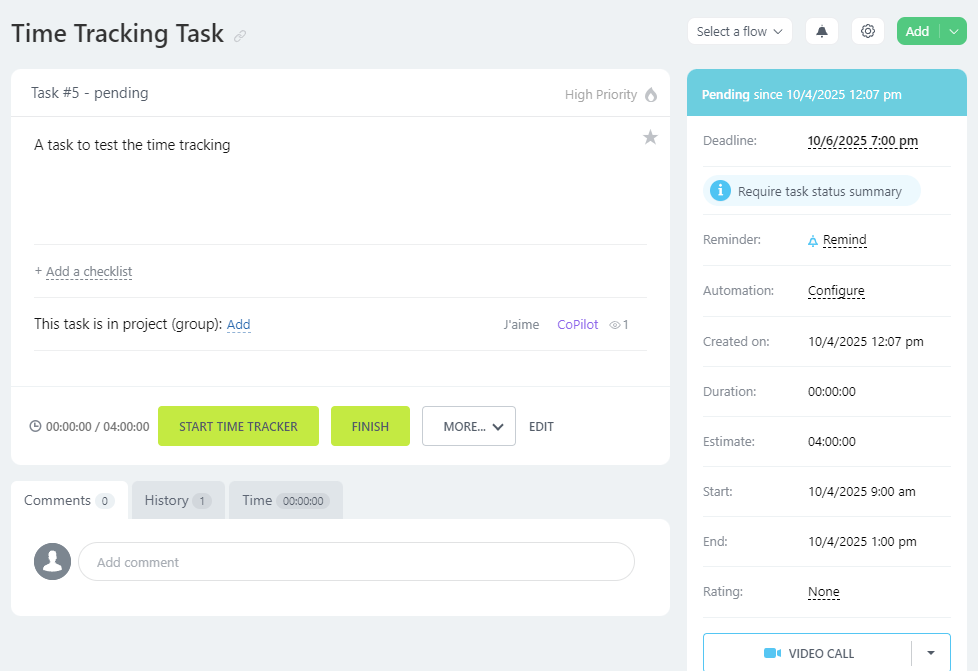
Your team logs time directly on individual tasks inside Bitrix24. They can start a timer or enter hours manually. Each log attaches to the task, so you always know how much time was spent on it. This removes the guesswork from project billing and workload analysis.

  • Timer and manual time entry options
  • Time logs attached to specific tasks
  • Full history of hours per task
  • Supports both individual and team projects

Workload Reports

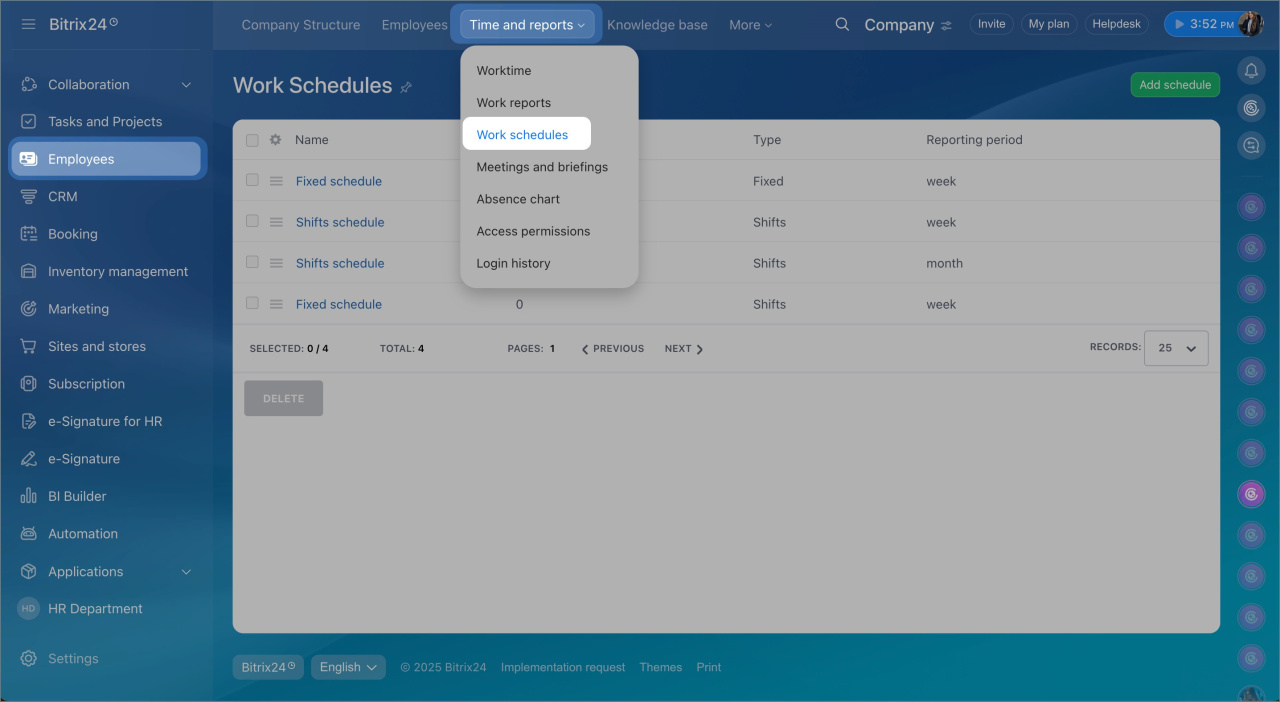
Bitrix24 creates reports that display the distribution of hours within your team. You will be able to know which employees are overburdened and which ones have available capacity. This will assist you in reallocating work before it is too late.

  • Reports filtered by employee or department
  • Identify overloaded and underutilized team members
  • Spot workload imbalances early
  • Plan resourcing with accurate data

Project Time Reports

Every project has a time summary. You can see the overall hours logged, task breakdown, and the employees involved. This provides you with the overall picture of the project costs and allows you to estimate future projects more correctly.

  • Total hours logged per project
  • Task-level time breakdown
  • Employee contribution tracking
  • Useful for billing and project cost analysis

Attendance and Work Hours Tracking

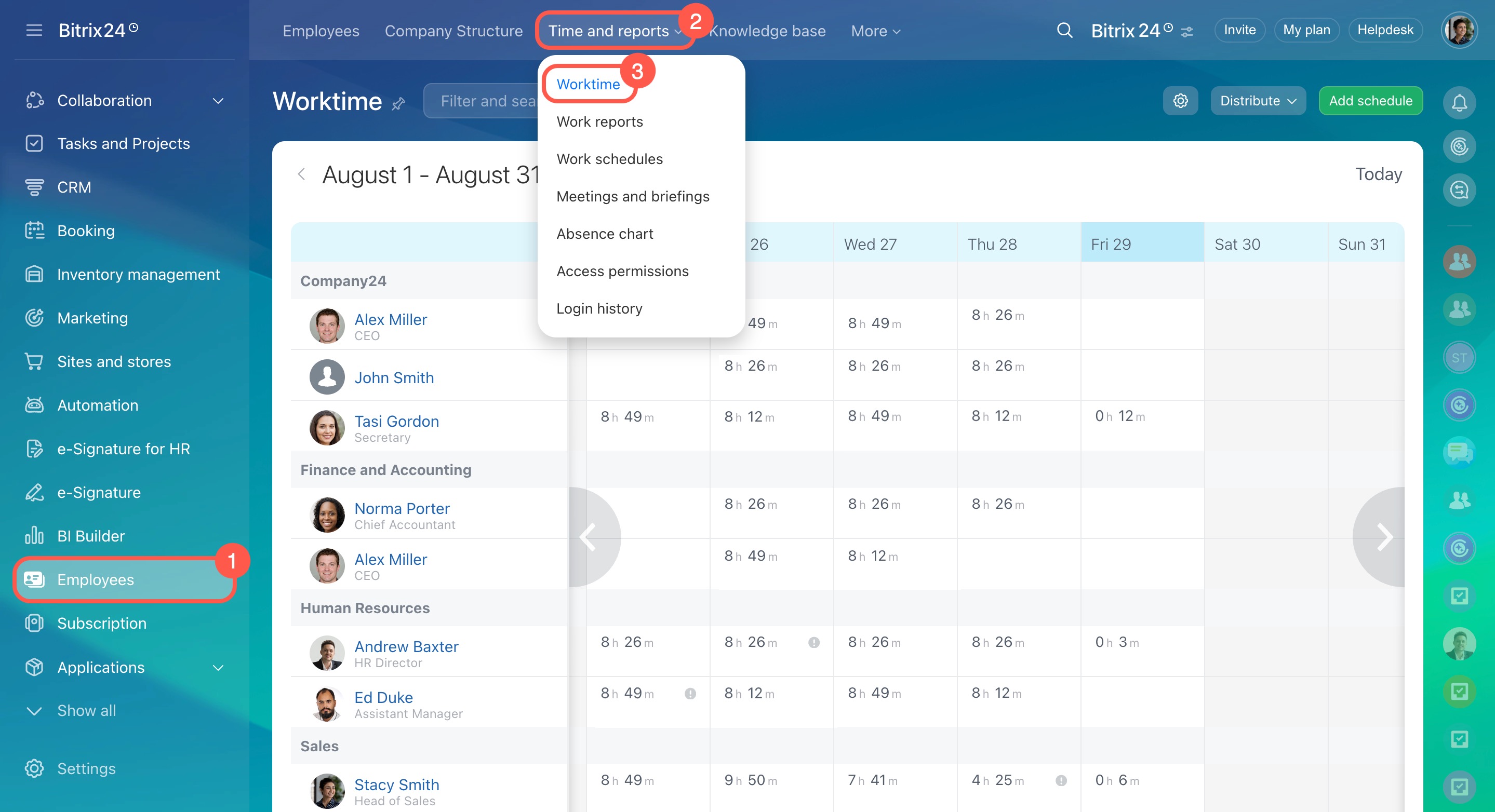
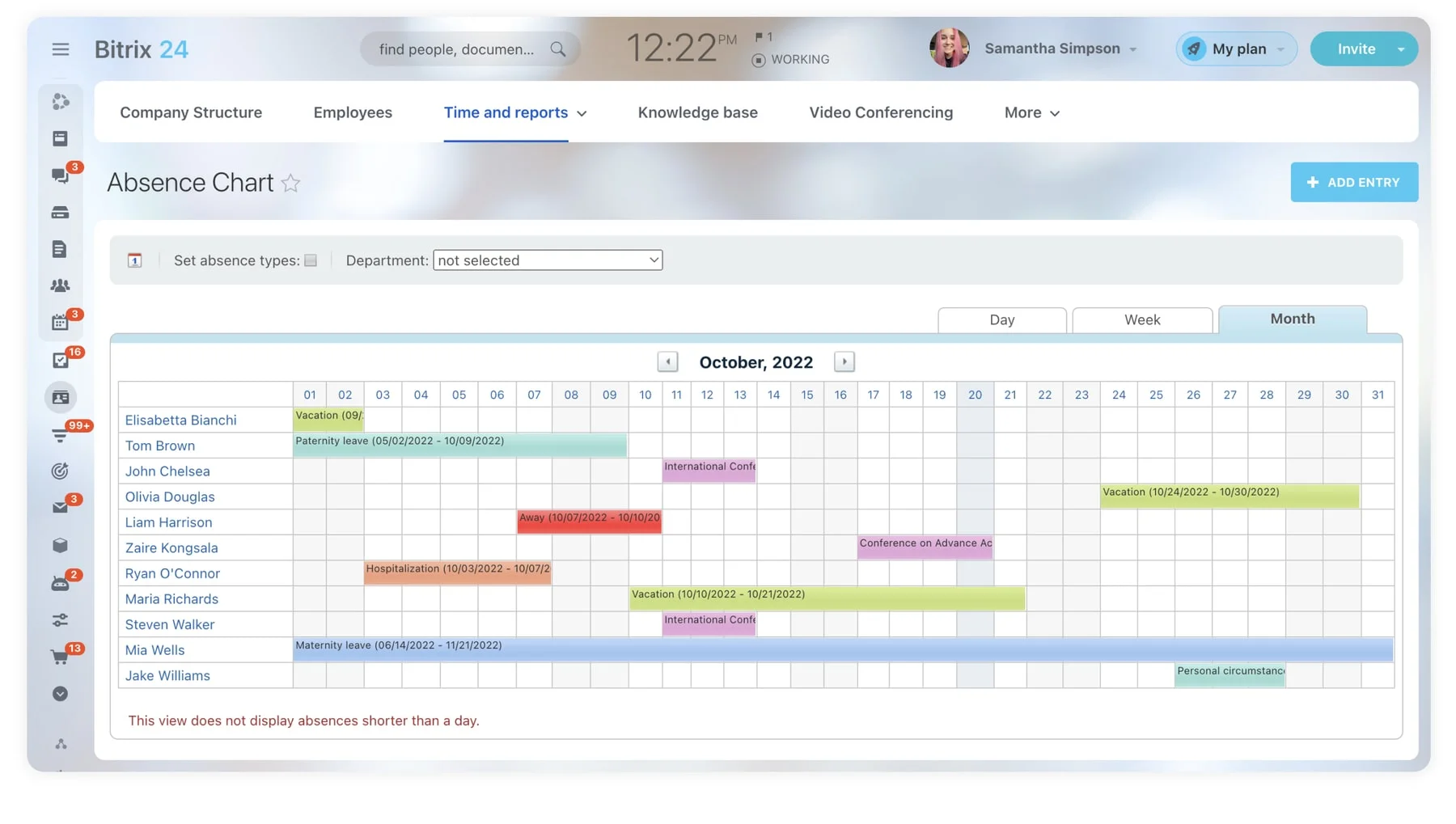
Bitrix24 keeps track of your team’s check-ins and check-outs. A clear record of work hours, absences and late arrivals is given. This would be especially handy with businesses that require compliance documentation or operate remote and hybrid teams.

  • Daily attendance records for all employees
  • Track work start and end times
  • Monitor absences and late check-ins
  • Useful for payroll and HR compliance

Scheduled and Automated Reports

You set up reports and receive them periodically. Your inbox automatically receives weekly summaries, a monthly review of the project or daily snapshots of the workload. You stay informed without running reports manually each time.

  • Automated report delivery on your schedule
  • Weekly, monthly, or custom intervals
  • Reports sent directly to managers or stakeholders
  • Reduces administrative workload

Integration with Tasks and CRM

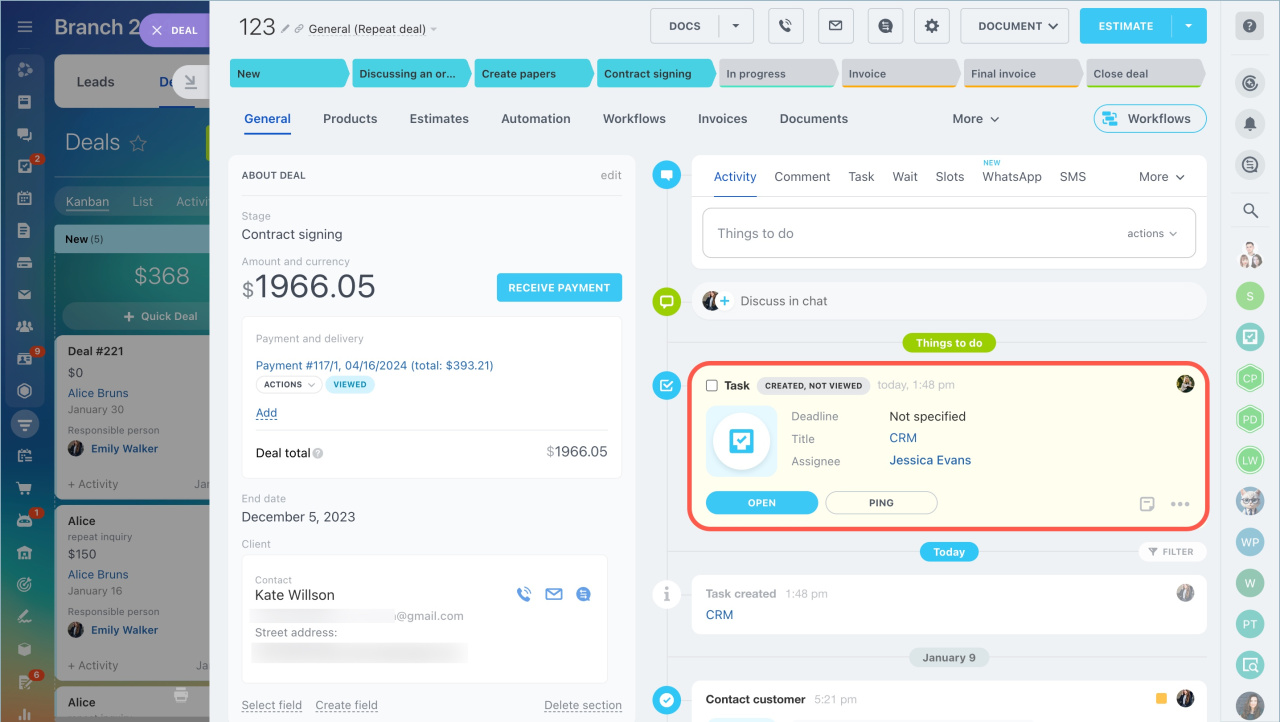
Time tracking in Bitrix24 connects directly with tasks, projects, and CRM deals. Hours logged on a client deal appear in the deal record. This makes it easy to track the time invested in each client and calculate service costs accurately.

  • Time data linked to CRM deals and contacts
  • Connected to project and task management
  • Full view of client-related time investment
  • Supports accurate service pricing and billing
Why Choose SarasUK Tech for Task and Project Management

Bitrix24 Certified Partner
10+ years of CRM expertise
Cross-industry implementation experience
Automation-first, growth-oriented design
End-to-end lifecycle support
Transparent delivery & training processes

Frequently Asked Questions(FAQ)

Can employees log time on specific tasks?

Yes. Bitrix24 lets employees log time directly on individual tasks using a timer or manual entry.

Yes. You can filter reports by employee, department, project, or date range.

Yes. Bitrix24 has a separate attendance module that records check-in and check-out times each day.

Yes. You can schedule reports to be delivered automatically at regular intervals.

Yes. Hours logged on CRM deals and contacts appear in those records, giving you full visibility into client-related work.

Yes. Sarasuk Tech handles the full configuration and provides ongoing support after implementation.