Bitrix24 Internal Communication: Faster Conversations, Better Decisions

Your team needs clear and instant communication to move work forward. Delays in messages slow down projects and create confusion. Bitrix24 internal communication connects chat and video calls in one place. You keep conversations linked to tasks and decisions. This improves response time and keeps your team aligned every day.

Communication That Keeps Work Moving

Fast and clear communication is better for making decisions. Bitrix24 internal communication provides your team with one space to chat, call, and cooperate without the need to switch tools.

Most teams rely on emails and disconnected apps. This leads to missed messages and slow responses. Bitrix24 addresses this by linking conversations to tasks and projects. You see who said what, when it was discussed, and what action followed. This improves accountability and reduces confusion.

For example, you can have your sales team discussing a lead, making a quick call, and assigning follow-ups within minutes. Quick response teams tend to have higher conversion and fewer deal delays.

Benefits:

  • Improved reaction time among teams
  • Improved communication that is relevant to work
  • Decreased reliance on emails
  • Increased alignment and accountability within teams
  • Quickened decision-making process

Features

Team Chat and Messaging

Team Chat and Messaging

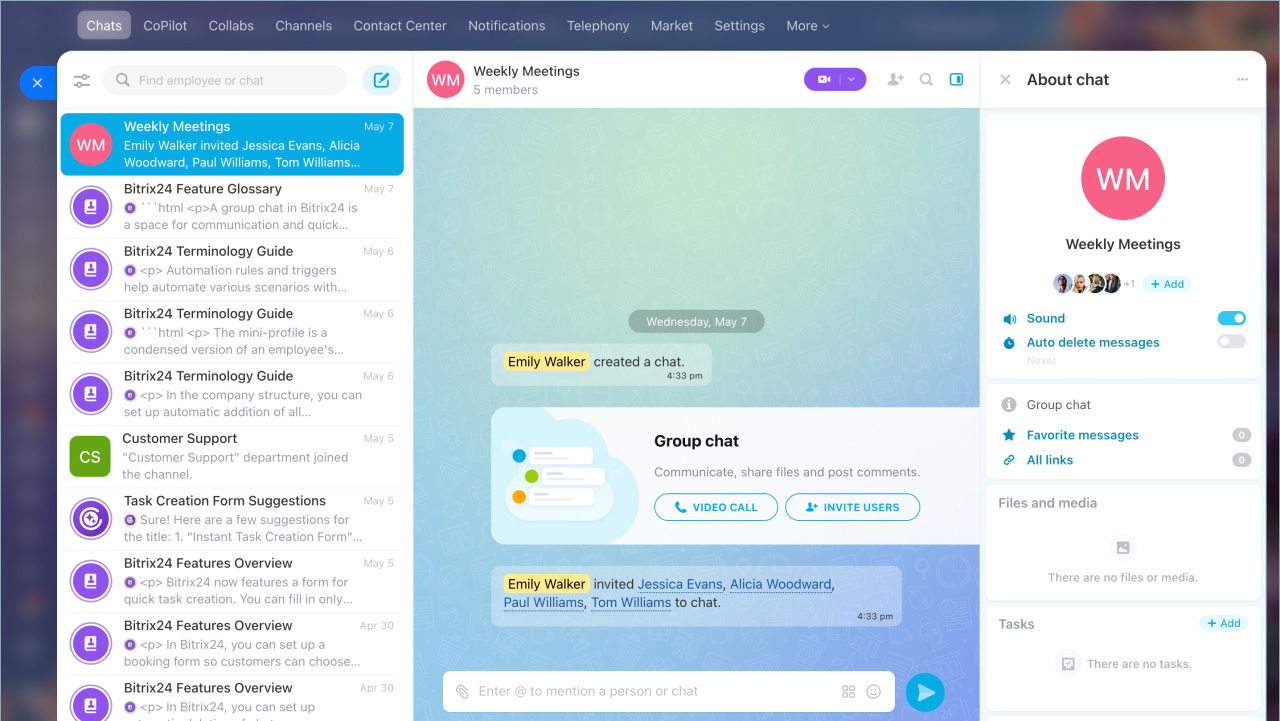
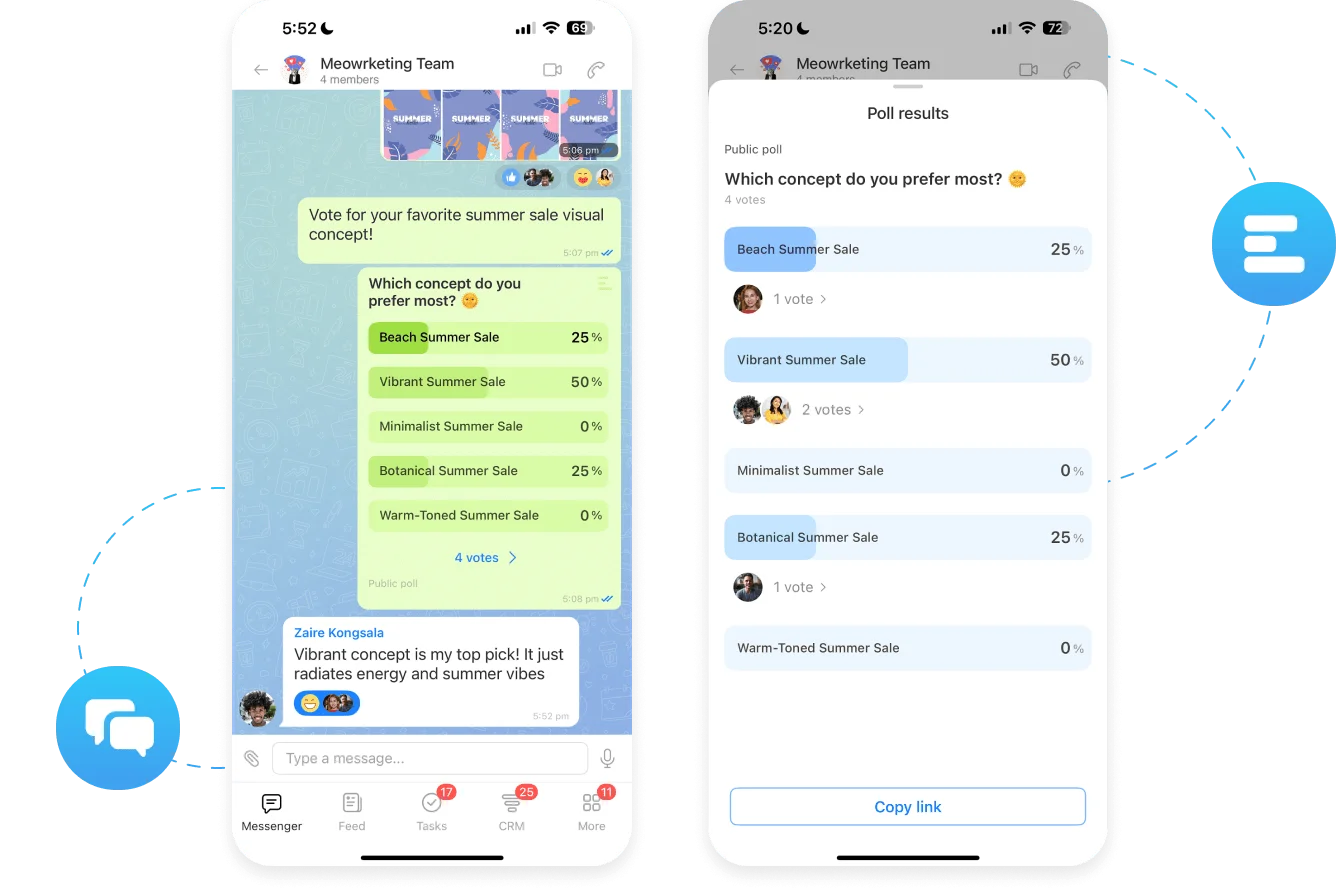
You are able to communicate in real time with your team and keep all messages organized. Live chat saves time and makes conversations relevant. Your team spends less time searching for information and more time acting on it.

  • One-to-one and group chats
  • Share files, links, and voice notes
  • Pin important messages
  • Search chat history instantly

Video Calls and Online Meetings

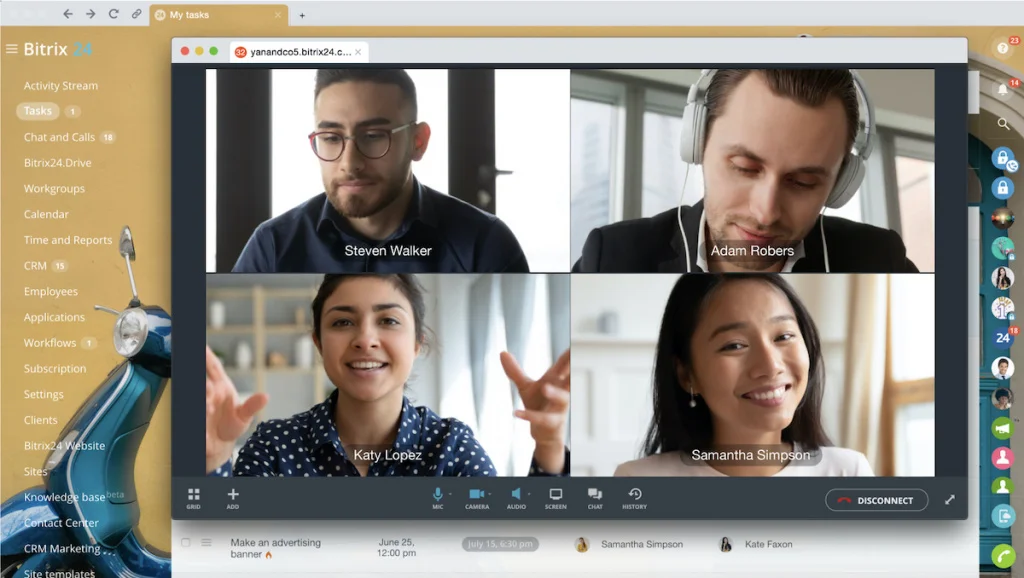
Video calls can be made directly through chat or tasks. This eliminates the usage of external tools and keeps discussions work-related. Quik calls will assist your team in solving problems faster and ensuring no delay.

  • One-click video calls
  • Meeting with screen-sharing facilities
  • Recording of the meeting for future reference
  • Adding notes and to-do items

Channels and Department Communication

You can create dedicated channels for teams or departments. This keeps communication structured and relevant. Teams avoid unnecessary messages and focus only on what matters to their work.

  • Create public or private channels
  • Organize by department or project
  • Control who can join and post
  • Keep discussions topic-specific

Task Linked Conversations

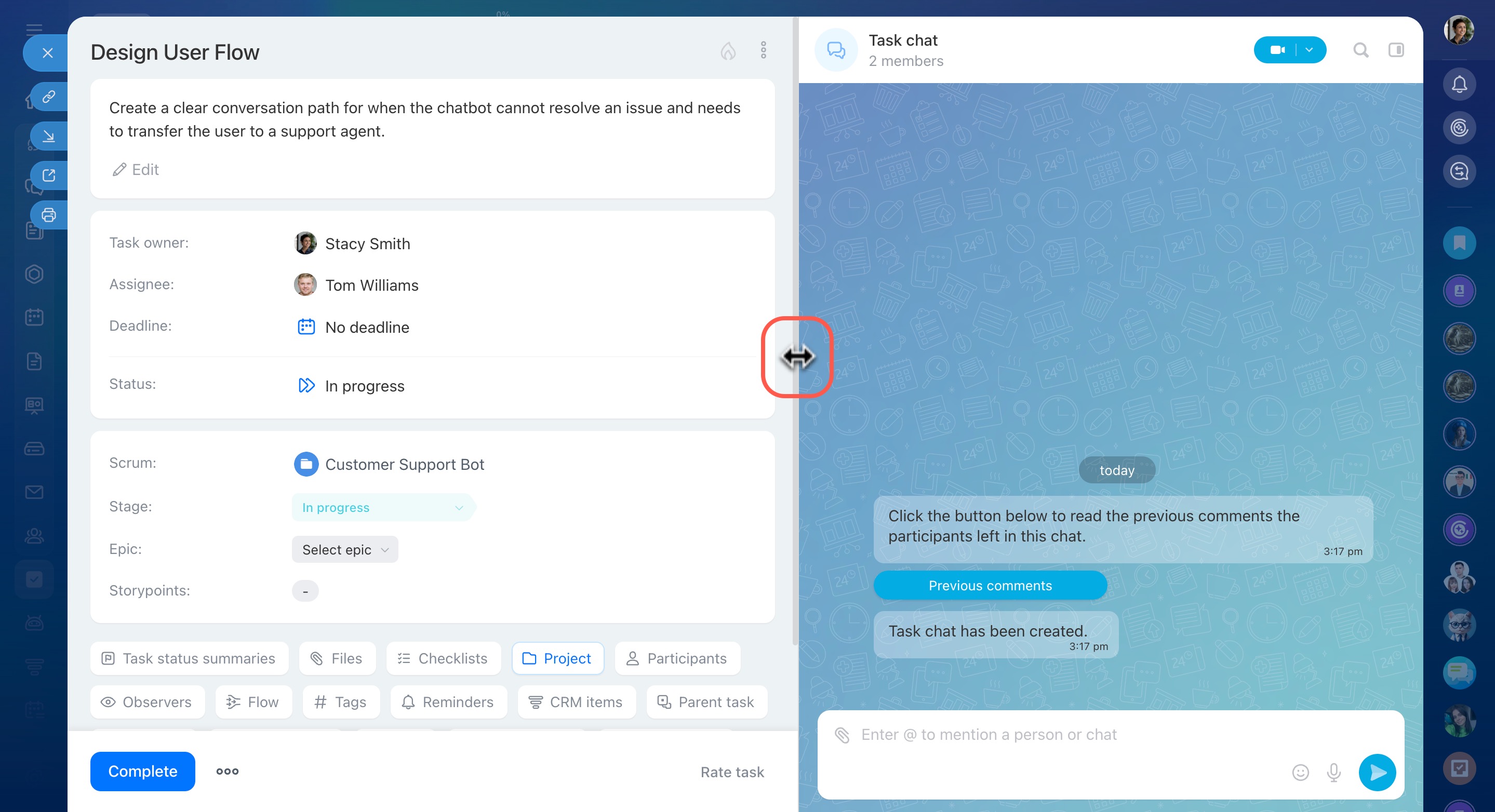
You can connect every conversation to a task or project. This ensures clarity and accountability. Your team knows exactly what needs to be done after each discussion.

  • Comment directly on tasks
  • Tag team members for action
  • Track decisions within tasks
  • Maintain full conversation history

Notifications and Alerts

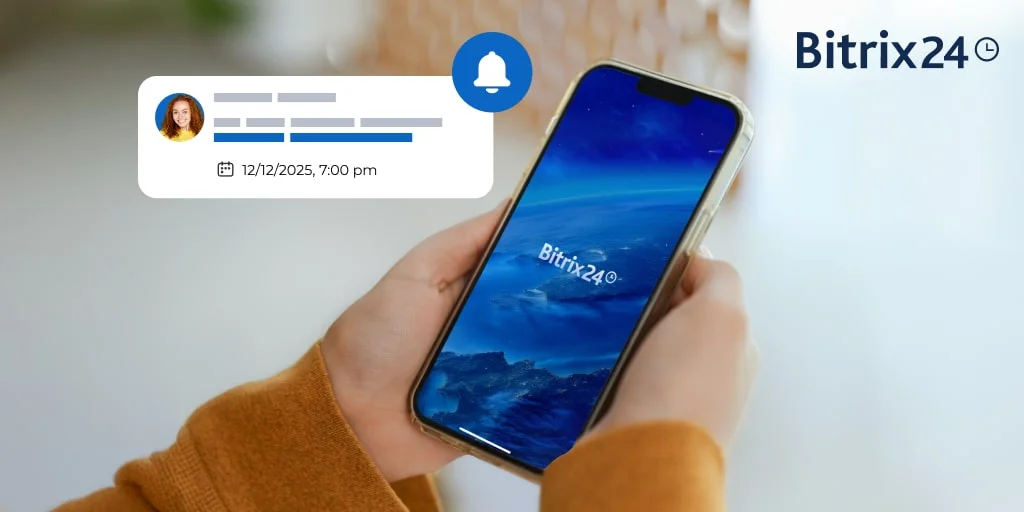
You are able to use real-time notifications. This saves time on follow-ups and keeps your team updated. Real-time alerts assist you in taking timely actions and save time in implementation.

  • Instant alerts for messages and mentions
  • Task and meeting notifications
  • Custom notification settings
  • Priority-based alerts

Mobile Communication

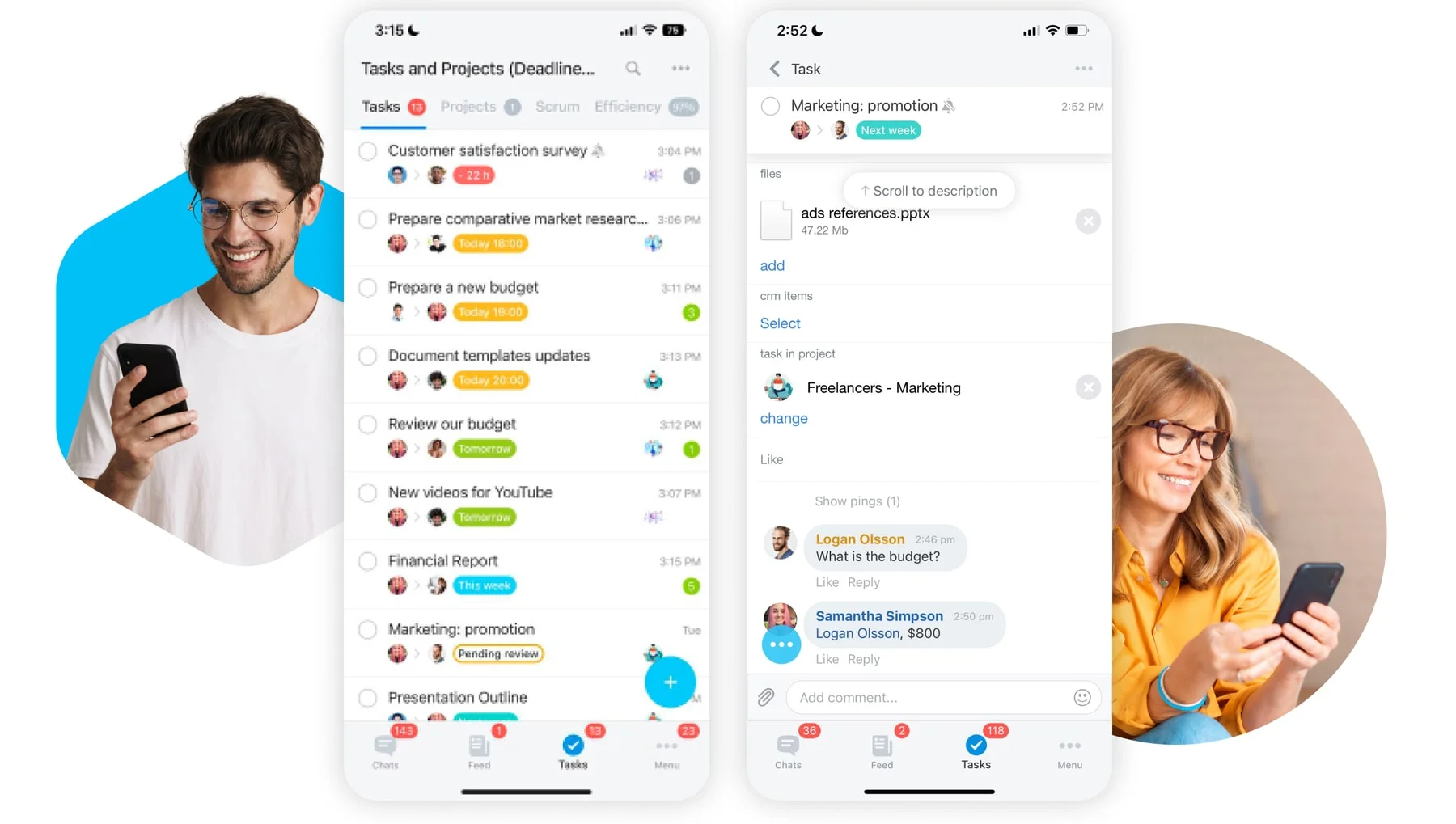
You will be able to connect it everywhere. Mobile access will provide your team with a fast response even when out of the office. This enhances speed and maintains the flow of work.

  • Chat and call from mobile
  • Receive real-time notifications
  • Join meetings on the go
  • Share files instantly

Call History and Records

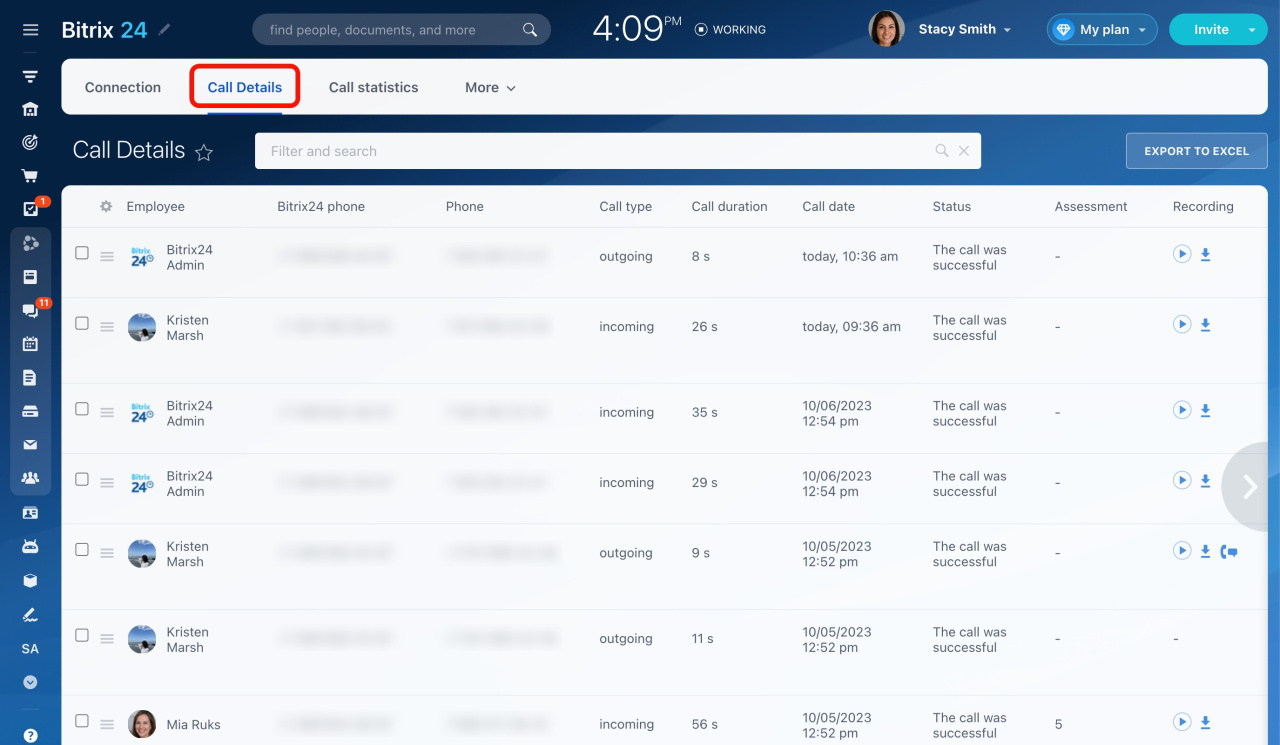
All communication can be monitored. This gives you a clear record of discussions and decisions. Your team can go through discussions when needed without misunderstanding.

  • View your chat and call history
  • Refer to previous conversations
  • Keep your communications history
  • Increase accountability

Integration with Tasks and CRM

You can connect communication with your workflows. This ensures every discussion leads to action. Your team works faster when communication and execution stay linked.

  • Start chats from tasks or deals
  • Link calls to CRM records
  • Track communication with clients
  • Maintain full context of work
Why Choose SarasUK Tech for Bitrix24 Internal Communication

Bitrix24 Certified Partner
10+ years of CRM expertise
Cross-industry implementation experience
Automation-first, growth-oriented design
End-to-end lifecycle support
Transparent delivery & training processes

Frequently Asked Questions(FAQ)

Can Bitrix24 replace email for internal communication

Yes. Teams can use chat, channels, and calls for faster communication and reduce email usage significantly.

Yes. You can initiate a one-click video call either from chats or task threads without exiting the app.

Yes. All conversations and calls will be stored and searched whenever you wish.

Yes. Remote teams can communicate, share updates, and attend meetings from anywhere.

Yes. You can connect chats and calls directly to tasks, projects, and CRM records.

Yes. Sarasuk Tech handles full setup and provides training for smooth adoption.