Bitrix24 Document Sharing and Management: Control Your Files With Clarity

You need fast access to documents without confusion or delays. Scattered files slow your team and create errors. Bitrix24 document sharing and management provides a single secure place to store, organize, and access files. You become more precise, save time, and keep your team aligned.

Document Management That Keeps Work Organized

When your documents are arranged and located conveniently, you will work faster. Bitrix24 collaboration unites your tasks, communication, and workflows with your files. Every document stays linked to the actual work.

Many teams store files across emails, drives, and devices. This creates duplication and version issues. Most teams spend hours searching the appropriate file or verifying that the version is up to date. Research indicates that workers use up to 20 per cent of their working hours searching for information.
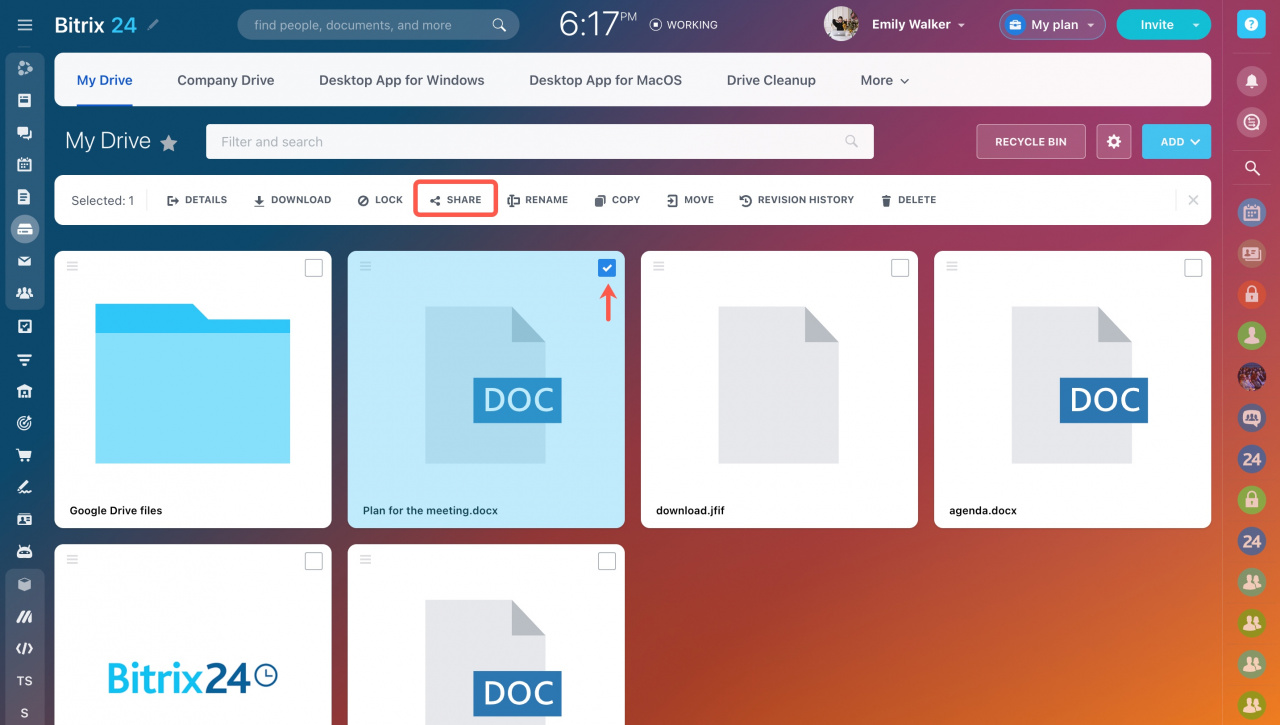
Bitrix24 addresses this by having centralized document management. You save files in a single location, manage access, and monitor all updates.

For example, your sales team may save proposals, contracts, and client files in the CRM. This guarantees speedy services and expedited dealings.

Benefits:

  • Centralized document storage
  • Faster file access and retrieval
  • Reduced duplication and errors
  • Better team collaboration
  • Improved data security

Features

Centralized Document Storage

You can store all files in one structured system and eliminate scattered storage across tools. This improves visibility and reduces time spent searching for documents. Teams with centralized storage access files faster and avoid duplication. Your team works with clarity and maintains consistency across all projects and departments.

  • Store files in shared folders
  • Organize by department or project
  • Access files from one platform
  • Reduce file duplication

Secure Document Sharing

You can share documents with full control and protect sensitive information. This ensures only the right people have access to critical files. Managed sharing minimizes risk and enhances teamwork and cooperation with clients. Your business maintains security and allows free and effective exchange of documents between departments and external stakeholders.

  • Share files with team members
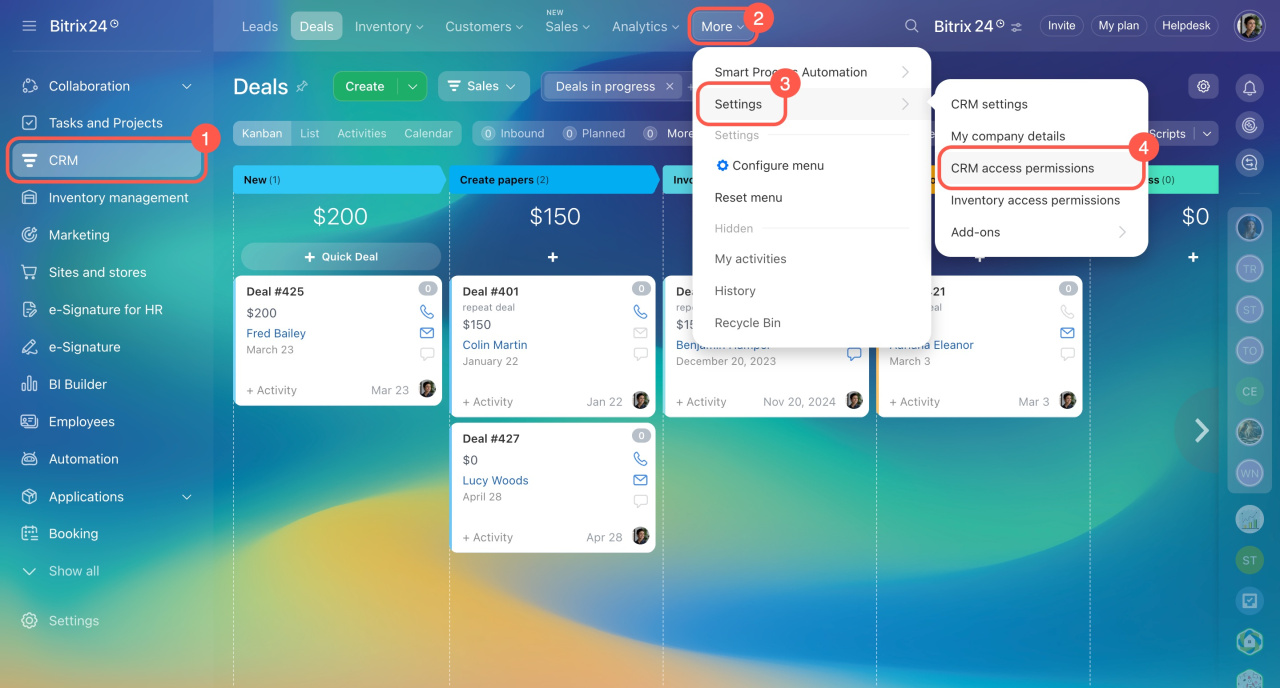
  • Control access with permissions
  • Share links with clients
  • Restrict downloads when needed

Version Control and File History

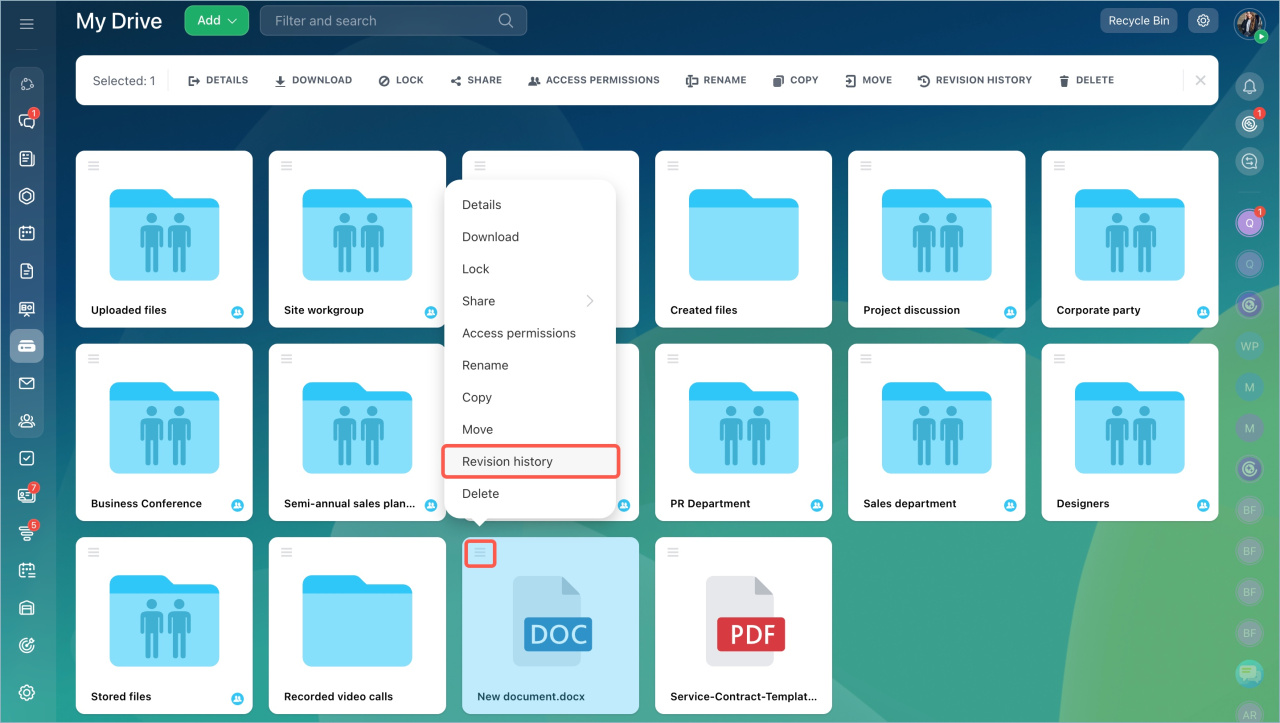
You are able to trace all the changes that have been made to your documents and prevent confusion. This will keep your group working on the most recent version. Version control minimizes errors and enhances accuracy in day-to-day operations. Your team is able to review changes, recover files and ensure consistency in all documents.

  • Maintain version history
  • Restore previous versions
  • Track changes by user
  • Prevent data loss

Real Time Document Collaboration

You can collaborate with your team, working on documents. This enhances coordination and accelerates performance. Real-time collaboration assists teams in executing tasks more quickly and minimizes back and forth communication. When reviewing and editing documents, your team stays on track.

  • Edit documents collaboratively
  • Include remarks and feedback.
  • Track updates instantly
  • Improve team coordination

Integration with Tasks and CRM

It allows you to attach documents to tasks and CRM records so that you can organize them better. This keeps all information linked to actual work. Your team accesses files during discussions and actions without switching systems. This improves workflow efficiency and ensures every document supports a clear business process.

  • Attach files to tasks
  • Link documents to CRM deals
  • Access files during discussions
  • Maintain full work context

Access Permissions and Security

You are able to manage access to documents according to roles and duties. This secures sensitive data and minimizes errors. Clarity in permission settings will make sure that your team only accesses what they require. Your company retains control, expands operations, and works with big volumes of documents safely.

  • Set role-based permissions
  • Restrict access by department
  • Control editing rights
  • Maintain data security

Mobile Document Access

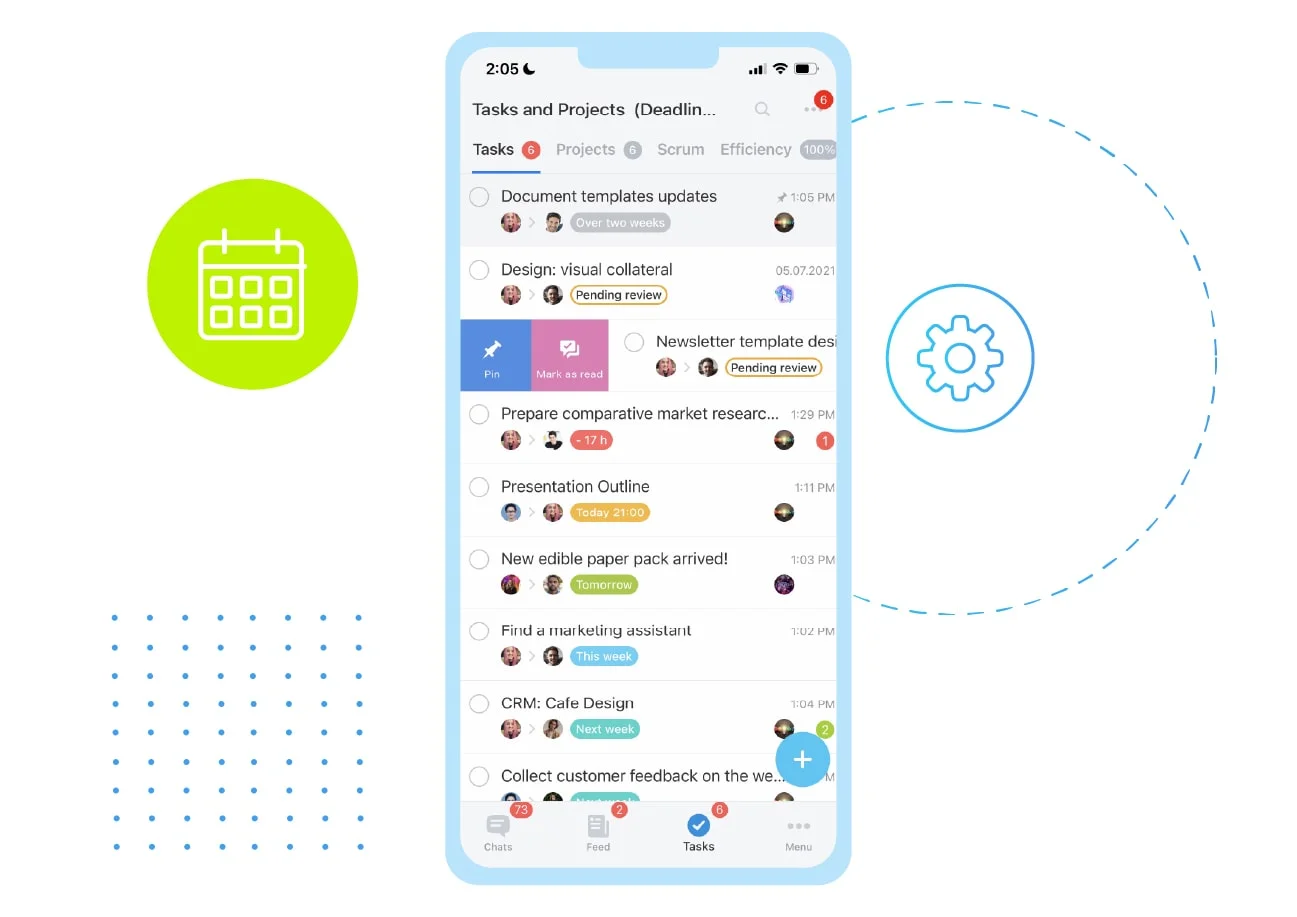
You can manage documents from anywhere using mobile access. You can access documents anywhere through mobile access. This keeps your team in touch and in tune. Quick access enhances productivity and work without interruption. Your team can also review, update and share files even when they are not in the office.

  • Access and manage files on mobile.
  • Upload documents instantly
  • Transfer files simultaneously.
  • Be attached to work.

Automated Document Workflows

Automate approvals and routing of documents to save on manual work. This accelerates operations and enhances uniformity. Automation would make sure that each step occurs without delay. Your team is more efficient in approvals and has better control of document movement.

  • Set approval workflows
  • Automate document routing
  • Trigger notifications
  • Track approval status

Why Choose SarasUK Tech

Bitrix24 Certified Partner
10+ years of CRM expertise
Cross-industry implementation experience
Automation-first, growth-oriented design
End-to-end lifecycle support
Transparent delivery & training processes

Frequently Asked Questions(FAQ)

What is Bitrix24 document management?

It is a document management system that allows the storage, organization, sharing and control of documents in a single platform.

Yes. You can set permissions based on roles and restrict access to sensitive files.

Yes. It keeps a version history so that you can follow the changes and get back to old versions.

Yes. You can attach files to deals, tasks, and contacts for better organization.

Yes. Bitrix24 provides secure sharing options with access control and permissions.

Yes. Sarasuk Tech handles full configuration and provides training for your team.