
Bitrix24 Kanban Boards: Visualize Workflows and Manage Tasks Clearly
The Bitrix24 Kanban board is a creative tool that lets you track each task on a visual dashboard. You can see each stage of work in one place, from new tasks to completed ones. This helps you track progress, spot bottlenecks, and keep your team focused. Kanban boards make task management simpler and give you more control over your workflow. WhatsApp | Talk to a CRM Expert
Kanban Boards That Make Work Visible and Manageable
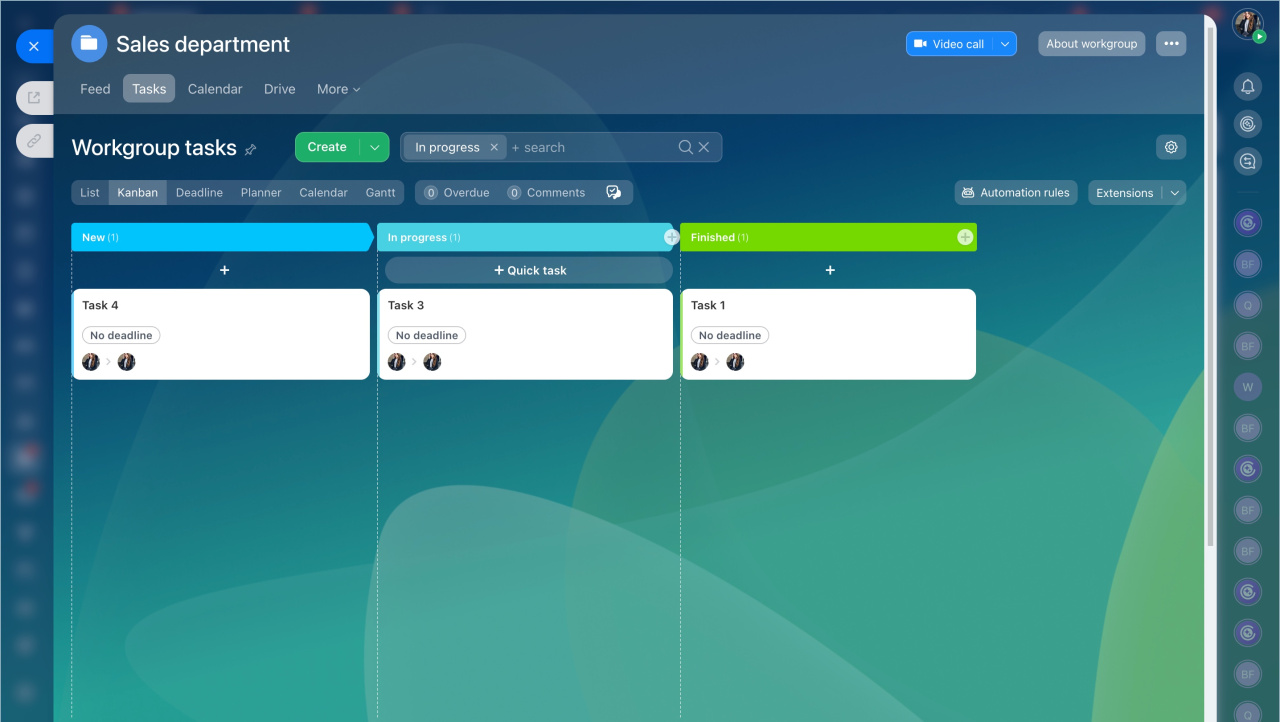
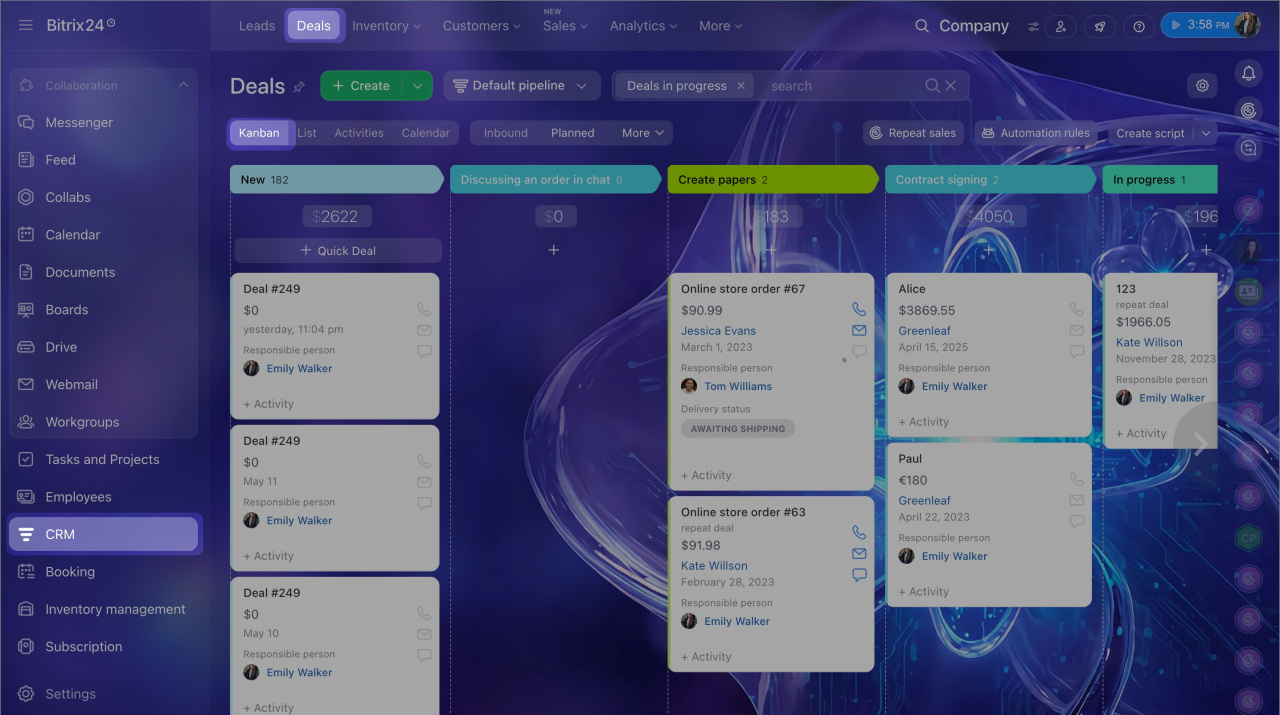
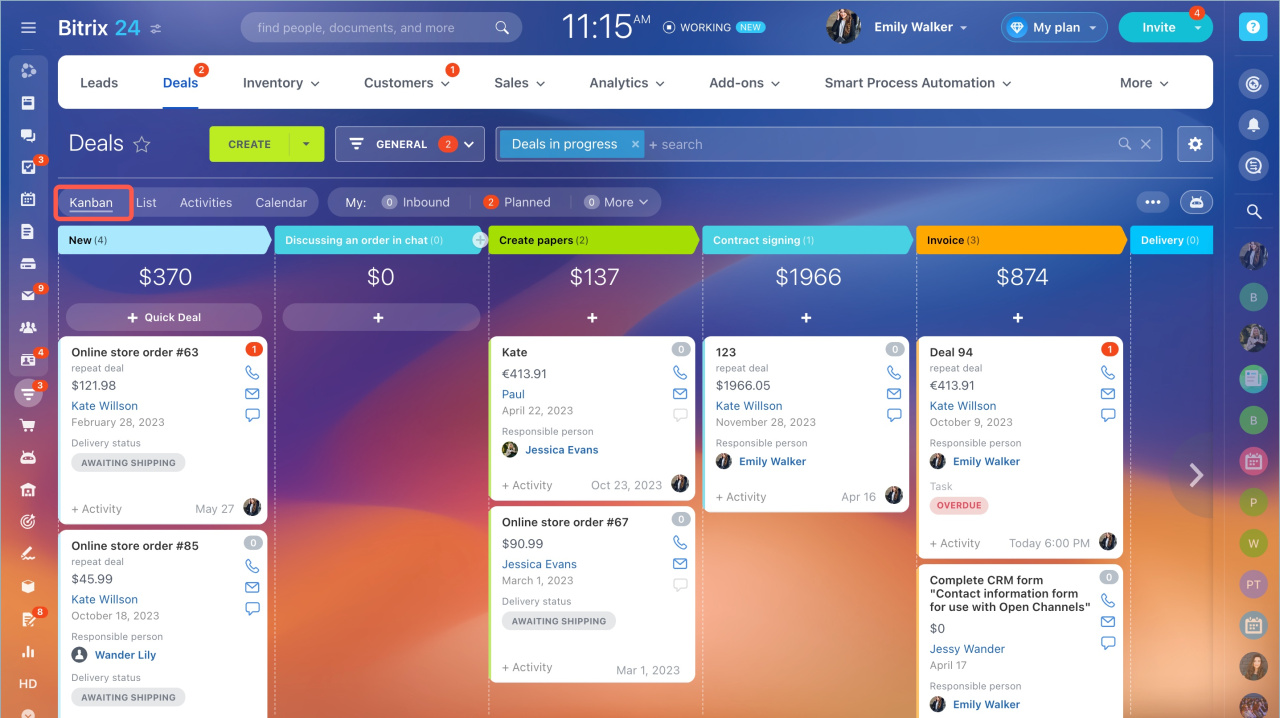
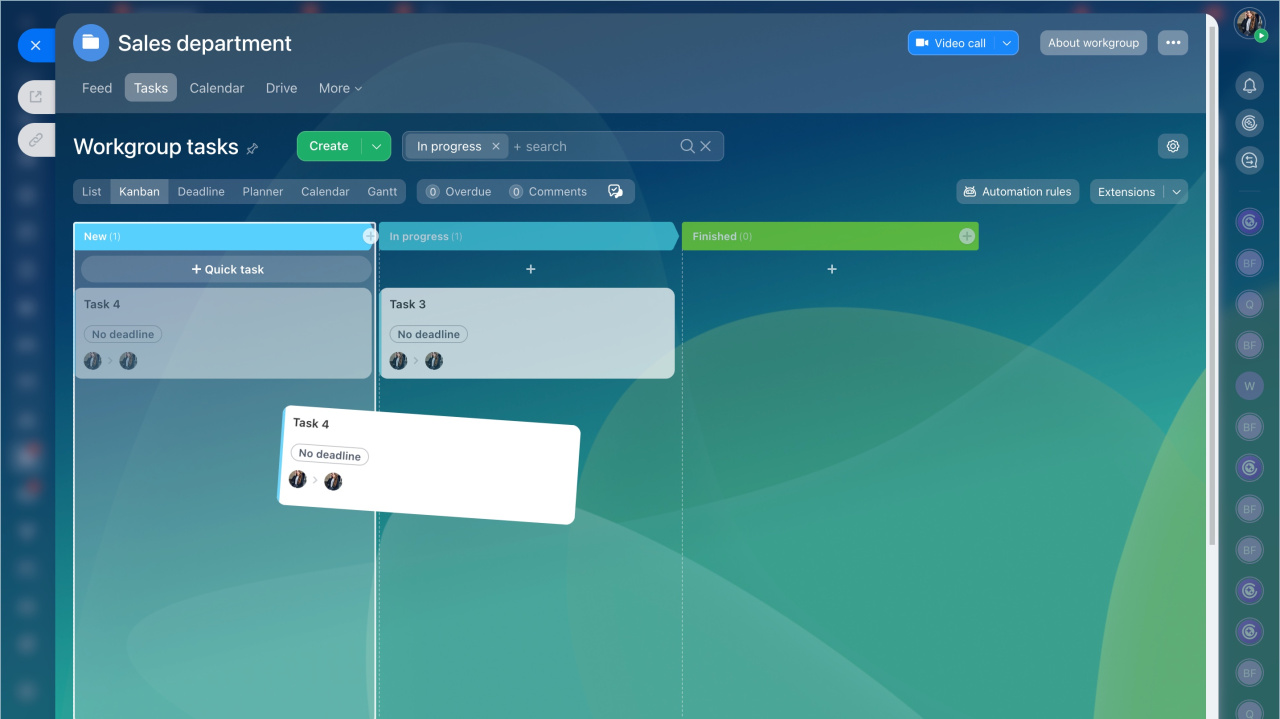
Work becomes easier when you can see it clearly. Bitrix24 Kanban boards give you a structured way to manage tasks using columns. Each column represents a stage of your workflow. Tasks move from one stage to another as work progresses.
You assign tasks, set priorities, and track updates in real time. Everyone knows what needs attention and what is already done. This reduces confusion and improves team productivity.
Teams can quickly identify delays. If tasks pile up in one stage, you act immediately. This keeps your workflow fluid and productive. When priorities change, you simply move tasks across columns. The board updates instantly. Your team stays coordinated without extra meetings or additional follow-ups.
Sarasuk Tech configures Bitrix24 Kanban boards based on your workflow. You get a system that fits your business needs. You always know what is happening and what needs action next.
Benefits:
- Clear visual workflow for tasks and leads
- Easy tracking of task progress
- Real-time updates across teams
- Better coordination and accountability
- Faster decisions with clear task visibility
Flexible task management for every team
Workflow Visualization
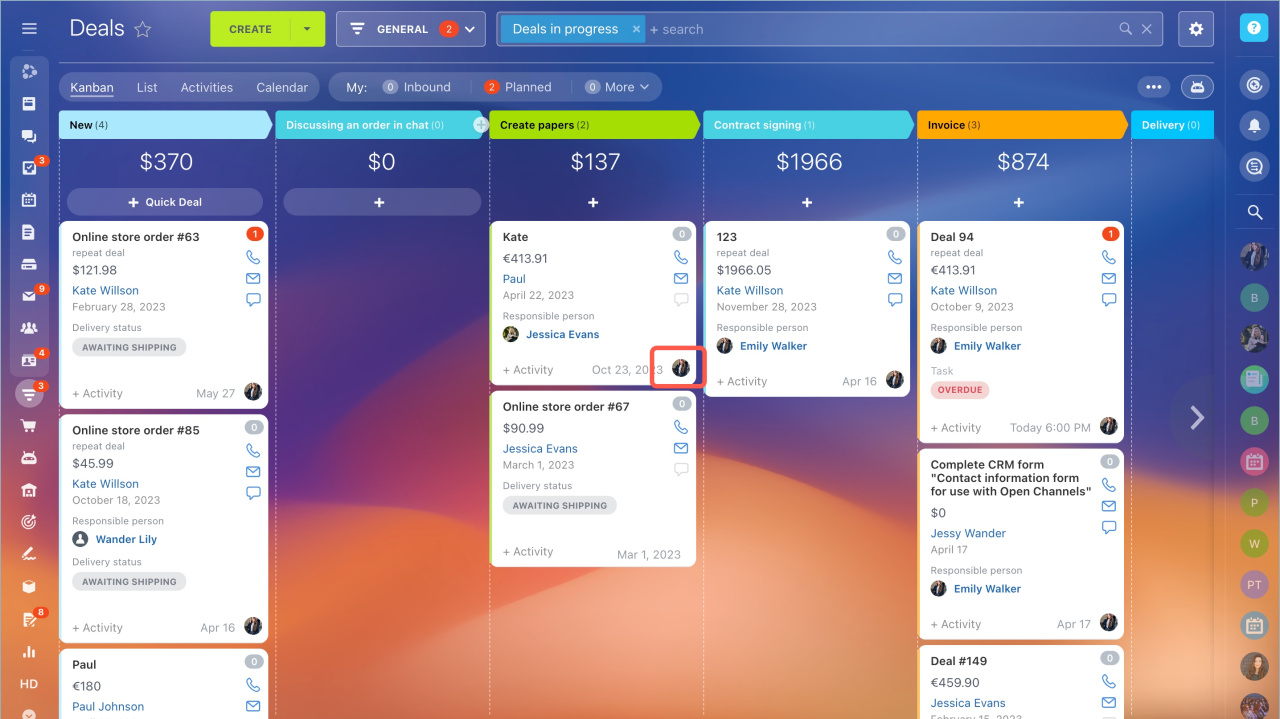
Bitrix24 Kanban boards display your entire workflow using structured columns. All the tasks are represented by cards, making it easy to understand work stages. You can easily scan the board and select what to look at. This visual transparency helps you organize your workload, reduce confusion, and enhance inter-team efficiency.
- Visual board with clearly defined task stages
- Smooth task movement across columns
- Quick overview of the complete workflow status
- Simple drag and drop interface for updates
Task Management
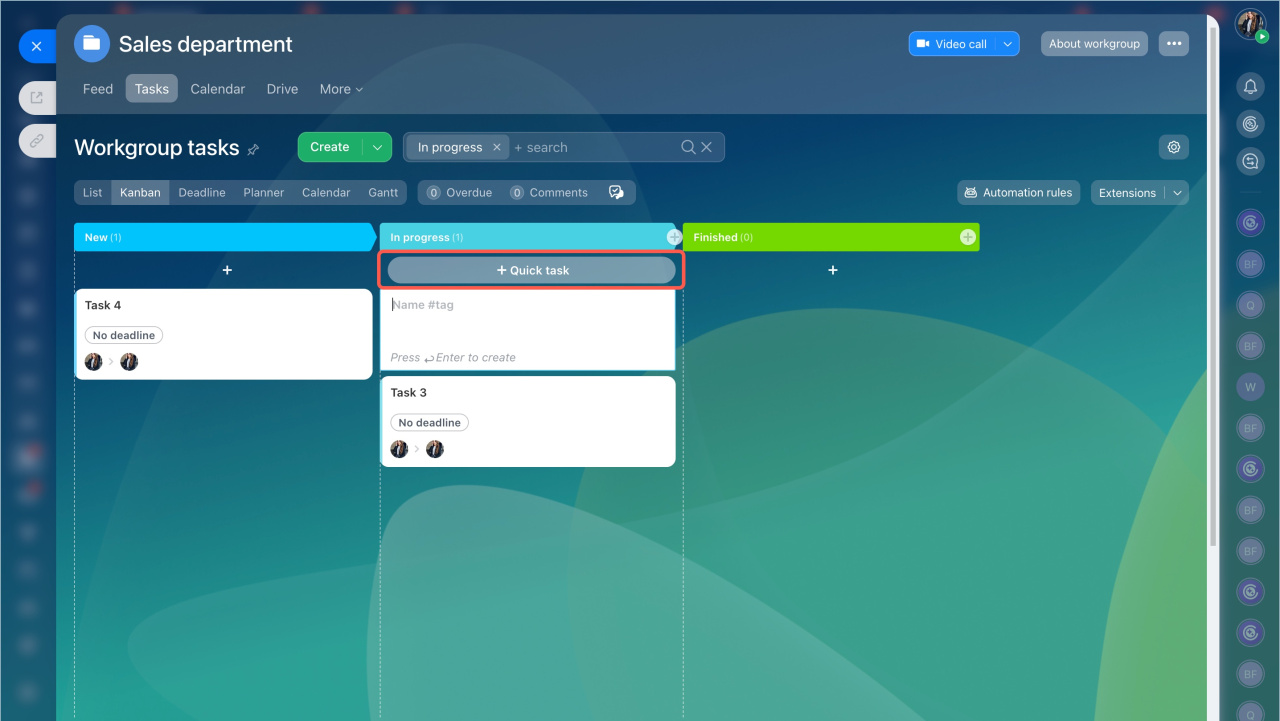
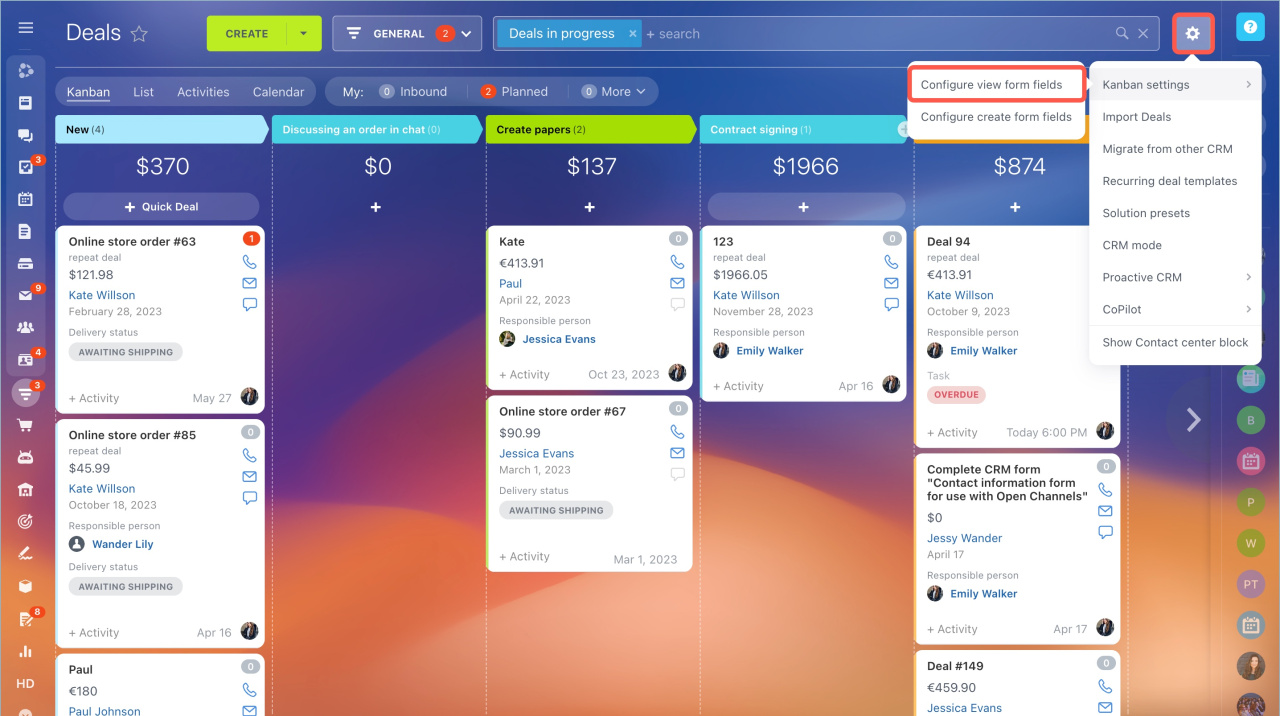
Every task card has the necessary information needed to complete the work. You can add deadlines, assign team members, and add detailed notes. This keeps everything organized in one place and removes the need to switch between tools.
- Add deadlines, priorities, and labels
- Assign tasks to particular team members
- Attach files, links, and notes easily
- Centralized and structured task management
Drag and Drop Simplicity
It is easy and quick to update tasks using drag and drop. You just shift tasks to the next stage as work goes on. This saves time spent on manual updates and keeps your board correct all the time.
- Move tasks instantly between stages
- Update task status within seconds
- Reduce manual tracking and errors
- Improve workflow speed and efficiency
Real Time Updates
All the changes made on the board are reflected in real time to every user. This keeps your team informed with recent information. It eliminates delays caused by outdated data and improves coordination across departments.
- Live updates across all tasks and stages
- Instant visibility for every team member
- No need for manual progress tracking
- Keeps teams aligned and informed
Multiple Views Integration
Bitrix24 supports multiple ways to view your work. You can switch between Kanban, Gantt, calendar, and list views depending on your needs. This flexibility helps different teams work in a way that suits them best.
- Easy switching between different views
- Supports varied team working styles
- Better planning and execution control
- Improves clarity across all projects
Team Collaboration
Teams can work together right on the Kanban board. You can comment on tasks, assign responsibilities, and share updates instantly. This helps everyone stay on the same page and work toward the same goals.
- Shared board access for all team members
- Comment and discuss tasks in real time
- Clear ownership and responsibility tracking
- Stronger team coordination and communication
Why Choose SarasUK Tech for Task and Project Management

Bitrix24 Certified Partner

10+ years of CRM expertise

Cross-industry implementation experience

Automation-first, growth-oriented design

End-to-end lifecycle support

Transparent delivery & training processes
Frequently Asked Questions(FAQ)
Does the Kanban board show task progress?
Yes. Task movement across columns shows progress clearly. You can track status without manual updates.
Can I customize workflow stages?
Yes. You can create and modify columns based on your workflow needs.
Is it easy to update tasks?
Yes. You can move tasks using drag and drop. Updates take only seconds.
Do you provide setup support?
Yes. Sarasuk Tech handles setup and provides full support after implementation.
Can I access it on mobile?
Yes. Bitrix24 Kanban boards work on desktop, web, and mobile devices.