
Bitrix24 Gantt Charts: Visualize Timelines, Deliver with Precision
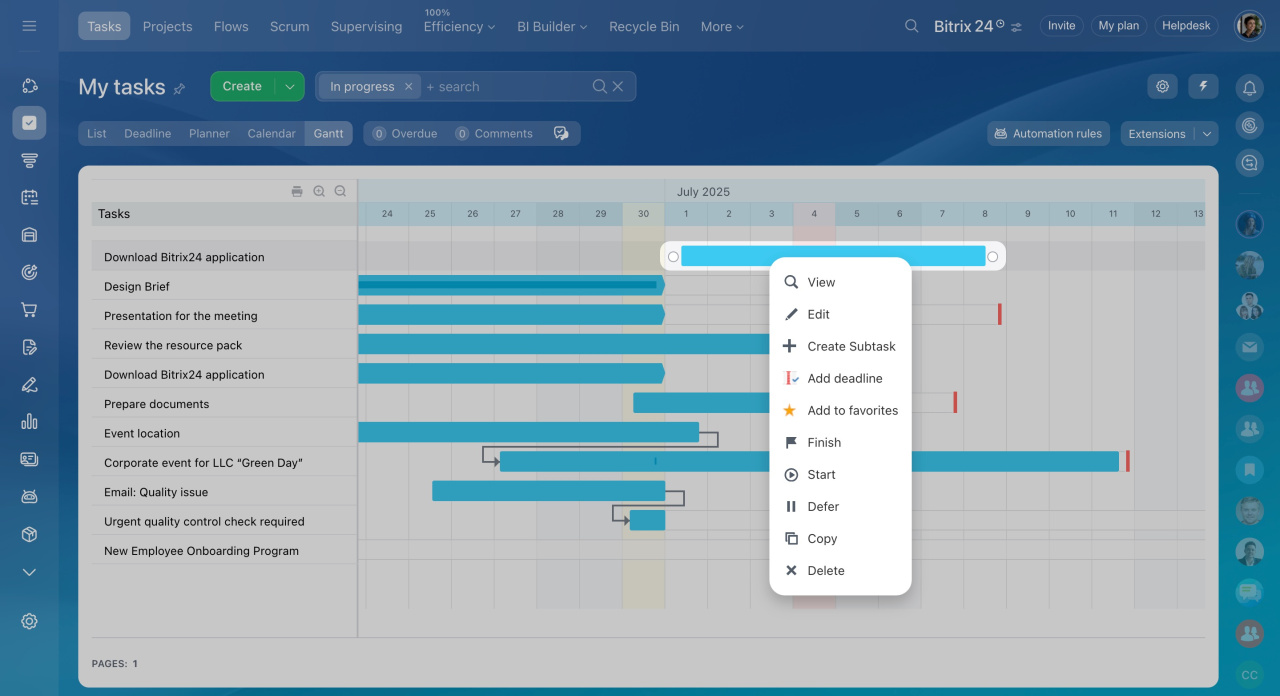
Bitrix24 Gantt charts transform task lists into schedules. You can view start and end dates, deadlines, and task order. You are able to identify delays early, schedule work correctly, and lead your team to timely delivery. These charts simplify complex planning and show project progress at a glance.
Gantt Charts That Make Planning Simple and Effective
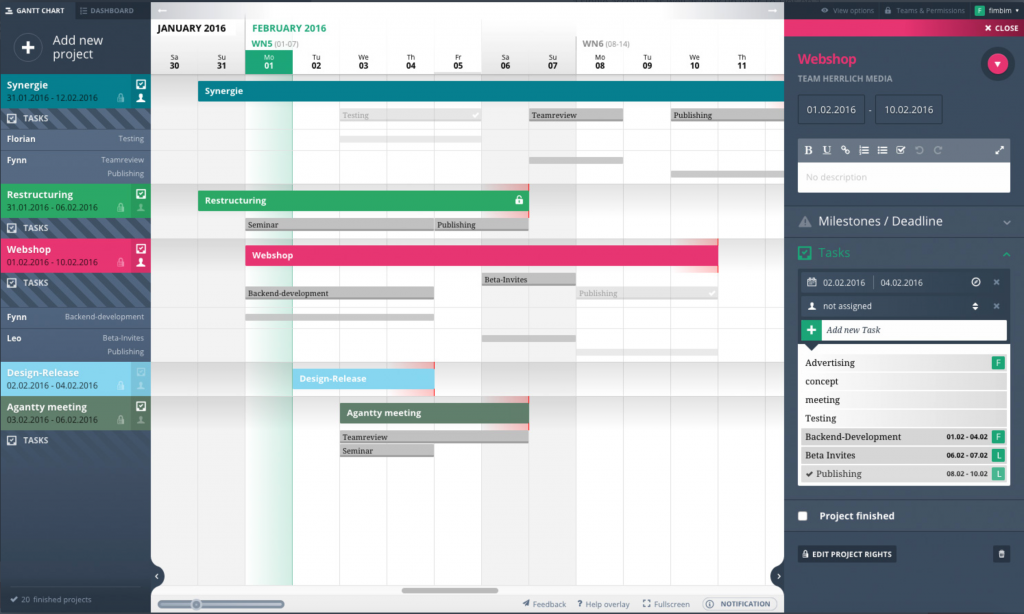
Projects succeed when planning is clear and visible. Bitrix24 Gantt charts give you that visibility. These charts display your project schedule in a simple bar format that shows who is doing what and when. You can assign tasks, track progress, and adjust timelines easily.
Task dependencies are visible to teams, and they can learn how a particular activity impacts another. This eliminates delays associated with steps being missed and enables everyone to stick to the right project path from beginning to end.
When priorities change, managers can update their timelines in a short time. The Gantt chart will change automatically as the tasks are moved or the timelines are changed. This makes the whole team aware and keeps the project plans properly updated and organized.
Sarasuk Tech configures Bitrix24 Gantt charts according to your workflow to keep your team on track and productive. You no longer guess who is falling behind or what to fix next. You see the full picture with no confusion.
Benefits
- Clear visual project timelines and lead management
- Easy tracking of task flow
- Automatic updates as work progresses
- Better coordination across teams
- Faster decision-making based on real data
Flexible task management for every team
Timeline Visualization
Bitrix24 Gantt charts map your entire project on a timeline. Every task is presented as a bar displaying the time of its accomplishment and its position in the greater context. This allows you to see easily which tasks overlap and what requires attention next. It is also easy to change the dates just by dragging tasks to the chart, providing you with complete control over your schedule.
- Visual timeline view of all tasks
- Clear start and end dates
- Drag to adjust task duration
- Instant view of project flow
Task Dependencies
Dependencies link tasks so one cannot start before another finishes. In Bitrix24, you draw connections right on the Gantt chart. This makes planning logical, avoiding confusion and missed steps. Changes in one task automatically move related tasks so your timeline stays accurate.
- Link tasks with simple drag actions
- Automatic date recalculation
- Shows real task order
- Prevents planning errors
Dynamic Progress Tracking
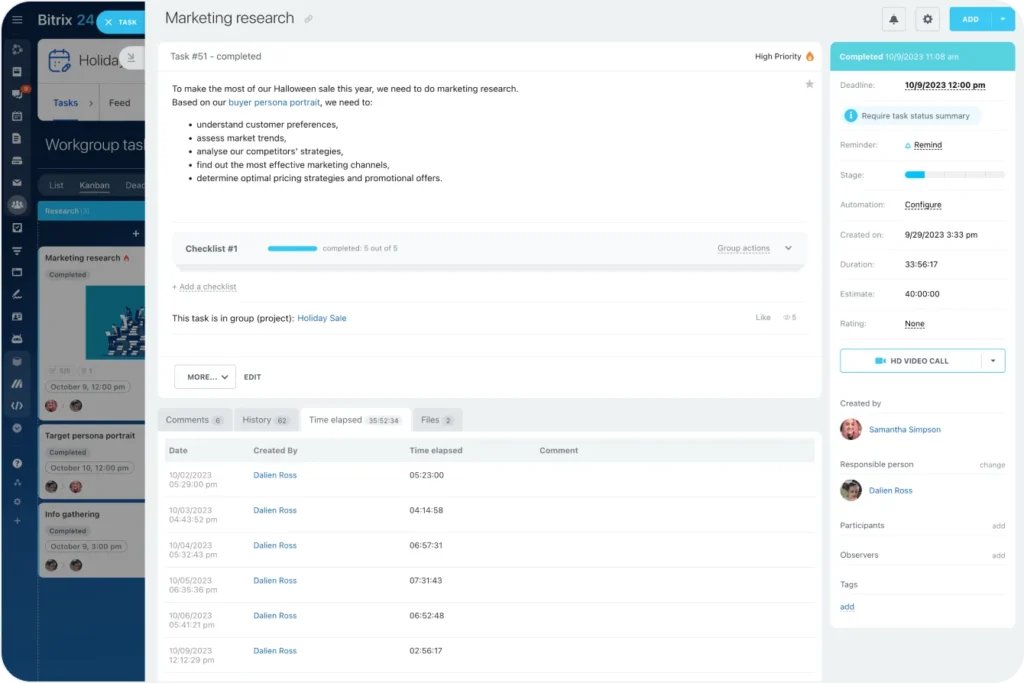
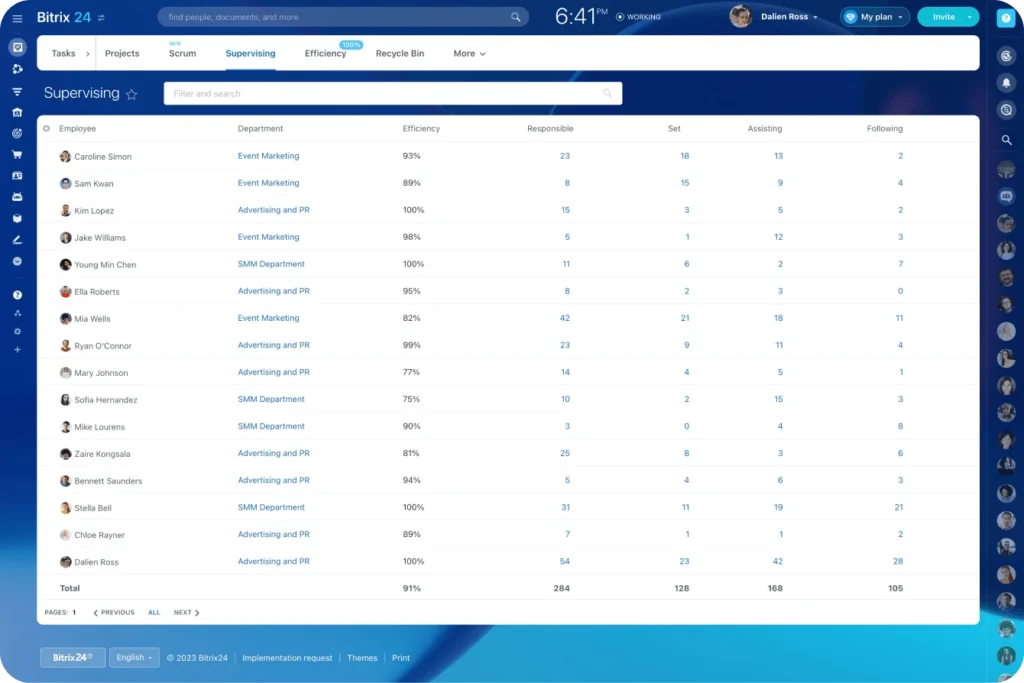
Your team updates task statuses as work moves forward. Bitrix24 reflects this in the Gantt chart instantly. You see what works and what lags without manual check-ins. This keeps everyone informed and helps you support team members when needed.
- Live status updates on tasks
- Avoids manual progress checks
- Real-time visibility for all users
- Better team alignment
Multiple Project Views
Bitrix24 lets you switch between Gantt, Kanban, calendar, and list views. This gives you the flexibility in viewing work. There are team members who like timelines and others who like boards or calendars. Bitrix24 supports all, so every role works effectively.
- Switch between Gantt and other views
- Support for multiple perspectives
- Fits different working styles
- Improves overall clarity
Collaboration and Sharing
Teams work on the same Gantt chart together. Everyone sees updates instantly. You are able to comment, delegate duties and provide timelines to stakeholders. This enhances collaboration and eliminates the communication lapses in planning and implementation.
- Shared view for all team members
- Comment on tasks in chart view
- Assign roles clearly
- Better team communication
Why Choose SarasUK Tech for Task and Project Management

Bitrix24 Certified Partner

10+ years of CRM expertise

Cross-industry implementation experience

Automation-first, growth-oriented design

End-to-end lifecycle support


Transparent delivery & training processes
Frequently Asked Questions(FAQ)
Does the Gantt chart in Bitrix24 show the progress of a task?
Yes. The Gantt chart is automatically updated when the status of your project changes. So, it is always possible to see the status of your projects without tracking the progress manually.
Can tasks link to each other?
Yes. Dependencies enable you to define a logical flow and a sequence of tasks in the overall course of running your project.
Can I make changes to my Gantt chart after it's set up?
Yes. You can easily adjust the start date or the end date of any activity, and connect activities directly in the Gantt view.
Do you offer training after setup?
Yes. Sarasuk Tech provides training and support after implementation.
Can the chart work on mobile?
Yes. You will have access to your Gantt charts on desktop, web and mobile.
